GParted (Live, 64-bit)
On the DVD
Article from ADMIN 47/2018
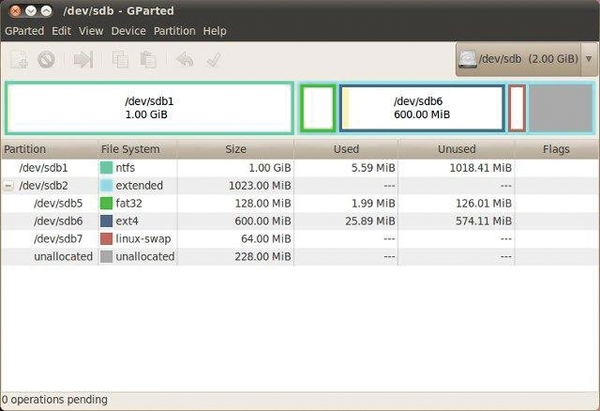
GParted, the quintessential Gnome partition editor, provides a graphical interface that uses libparted and other tools to manipulate filesystems, from Btrfs to XFS and most filesystems in between.
GParted, the quintessential Gnome partition editor, provides a graphical interface that uses libparted and other tools to manipulate filesystems, from Btrfs to XFS and most filesystems in between. GParted also allows you to:
- Align partitions to mebibyte or cylinder boundaries
- Attempt data rescue from lost partitions
- Enable and disable partition flags
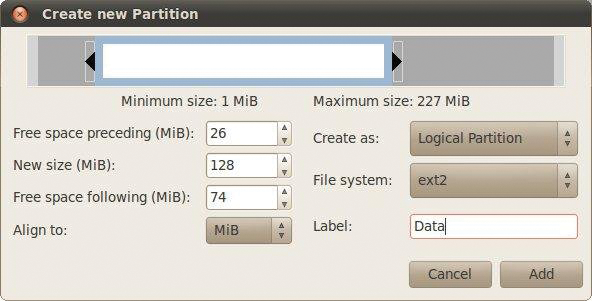
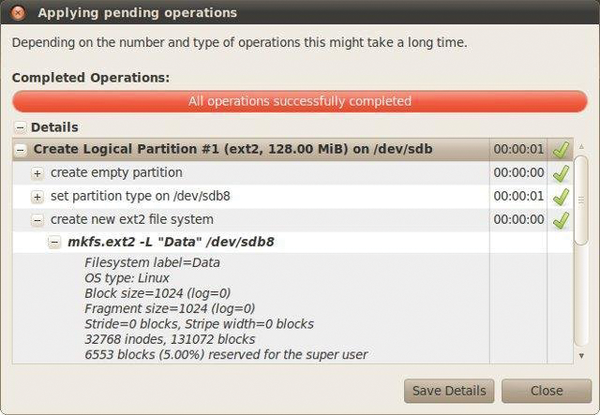
- Create, delete, copy, resize, move, check, and set new UUIDs
- Create partition tables
GParted can be used on x86 and x86-64 computers running Linux, Windows, or Mac OS with a minimum 256MB of RAM.
...
Use one of the options below to read the full article

Buy this article as PDF
Download Article PDF now with Express Checkout
Price $2.95
(incl. VAT)
(incl. VAT)
Buy ADMIN Magazine
Related content
-
GParted Live 0.23.0-1
 GParted (Gnome partition editor) is a graphical front end to the GNU Parted command-line tool that allows you to rescue data from lost partitions or delete, resize, move, check, and copy partitions and filesystems without data loss.
 -
Ubuntu 16.10 Server and GParted
The server install image lets you install Ubuntu permanently on a computer as a server, with no graphical user interface. The GParted Live image provides access to the GParted graphical partition editor, a tool for managing disk partitions.
-
Manage logical volumes with GUI tools
 Linux uses the Logical Volume Manager to manage large hard drives and mass storage clusters efficiently. We look at various graphical tools that help serve up logical volumes and volume groups.
 -
Redo Backup
 Redo Backup backs up complete hard drives locally or over a network. The focus is on simple operation and high reliability in a variety of deployment scenarios.
 -
Five special distros for system and network admins
 In heterogeneous environments, admins regularly face system maintenance challenges, but the right choice of distribution on a USB storage device keeps your toolbox in your pocket.